 FTP Files
Connect to Your Web Host
Web hosts give you FTP access to your site's files, so FTP Files can upload straight from your iPhone, iPad or Mac. The host's control panel, often cPanel or Plesk, has the server name, a user name and your site's folder.
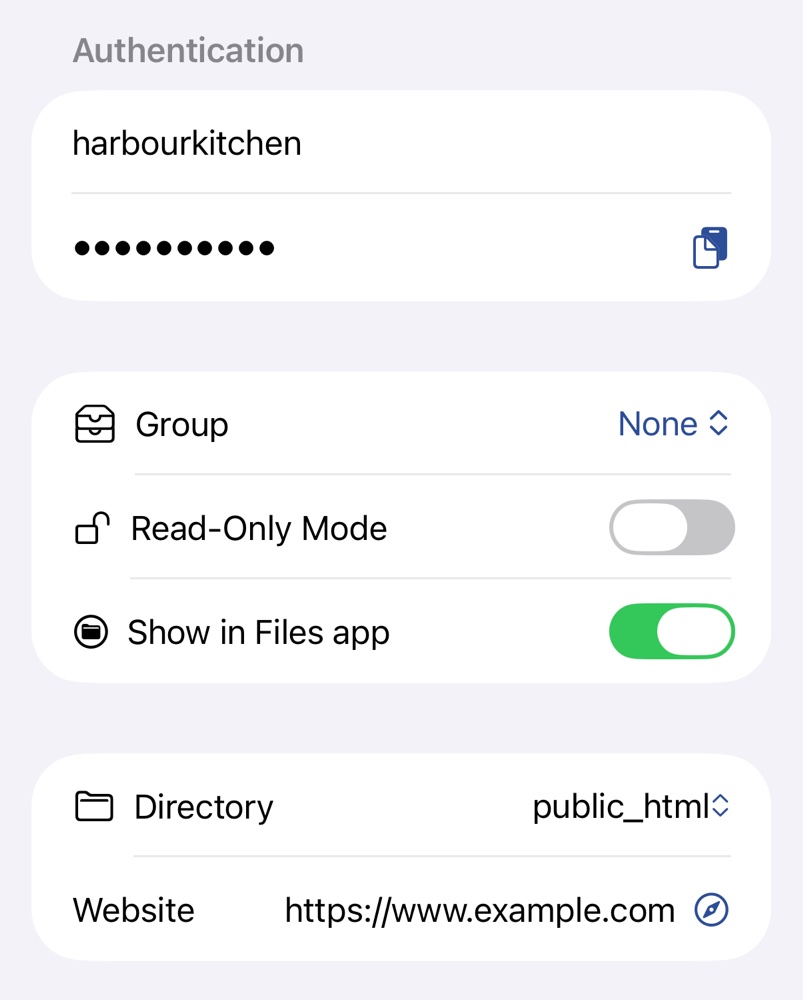
1. Get an FTP account
In cPanel, create one under FTP Accounts and sign in with its full user name, such as upload@example.com. In Plesk, the main account is under Websites & Domains → Web Hosting Access, and more under FTP Access.
2. Add the server
Use the FTP server name your host gives, such as ftp.example.com, with Explicit FTPS or Automatic. Shared hosts often have one certificate for the whole machine, so with your domain as Address you'll see Certificate Mismatch naming the server it's for. Use that name as Address instead; see FTPS Certificates.
SFTP needs the main hosting account, with SSH turned on by the host, often on a port other than 22 and sometimes for keys only; see your host's help pages and SSH Keys.
Links to your files
Set Directory to your site's folder, such as public_html, and Website to its address, such as https://www.example.com. Files then get Copy Link, giving the Website address followed by the path below Directory. Creating links is part of Pro; see Free and Pro.
Troubleshooting
- A page answers 403 Forbidden: the web server can't read it. Files are usually
644and folders755; see Permissions and Symlinks. - Incorrect username or password: use the full user name, with
@and your domain. - Server does not support explicit FTPS. Try implicit FTPS or connect without encryption. Ask the host whether it offers FTPS on another port, or use SFTP.
- You can log in but folders never list: see Ports and passive mode in Adding a Server.