 FTP Files
Help
Guides for FTP Files on iPhone, iPad and Mac: connecting to FTP, FTPS and SFTP servers, keys and certificates, working from the Files app and Finder, and automation.
Setup
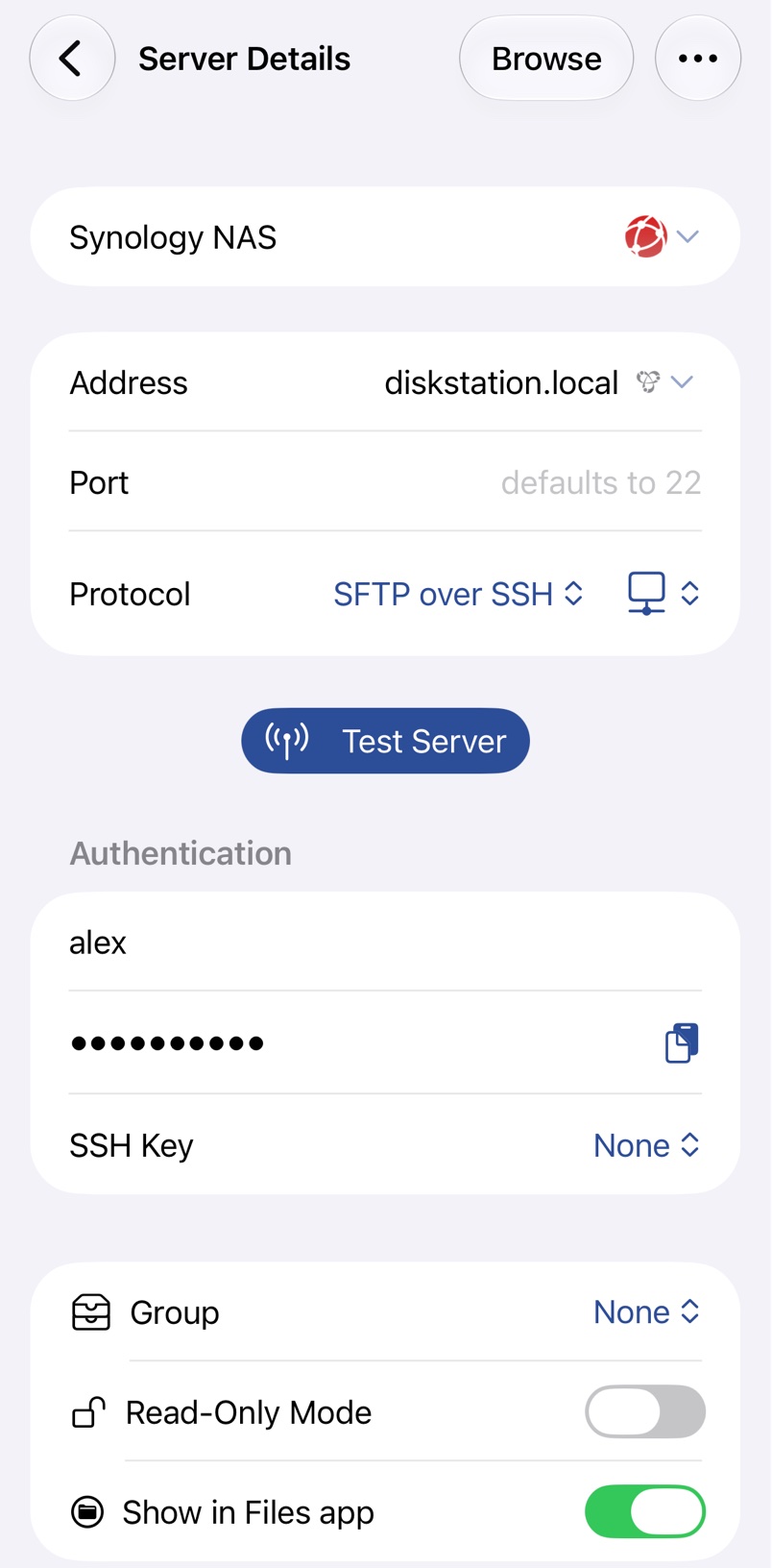
Adding a Server
Add an FTP, FTPS or SFTP server on iPhone, iPad or Mac, pick the right protocol and test the connection.
Use with your Mac
Turn on Remote Login on your Mac and reach its files from iPhone or iPad over SFTP.
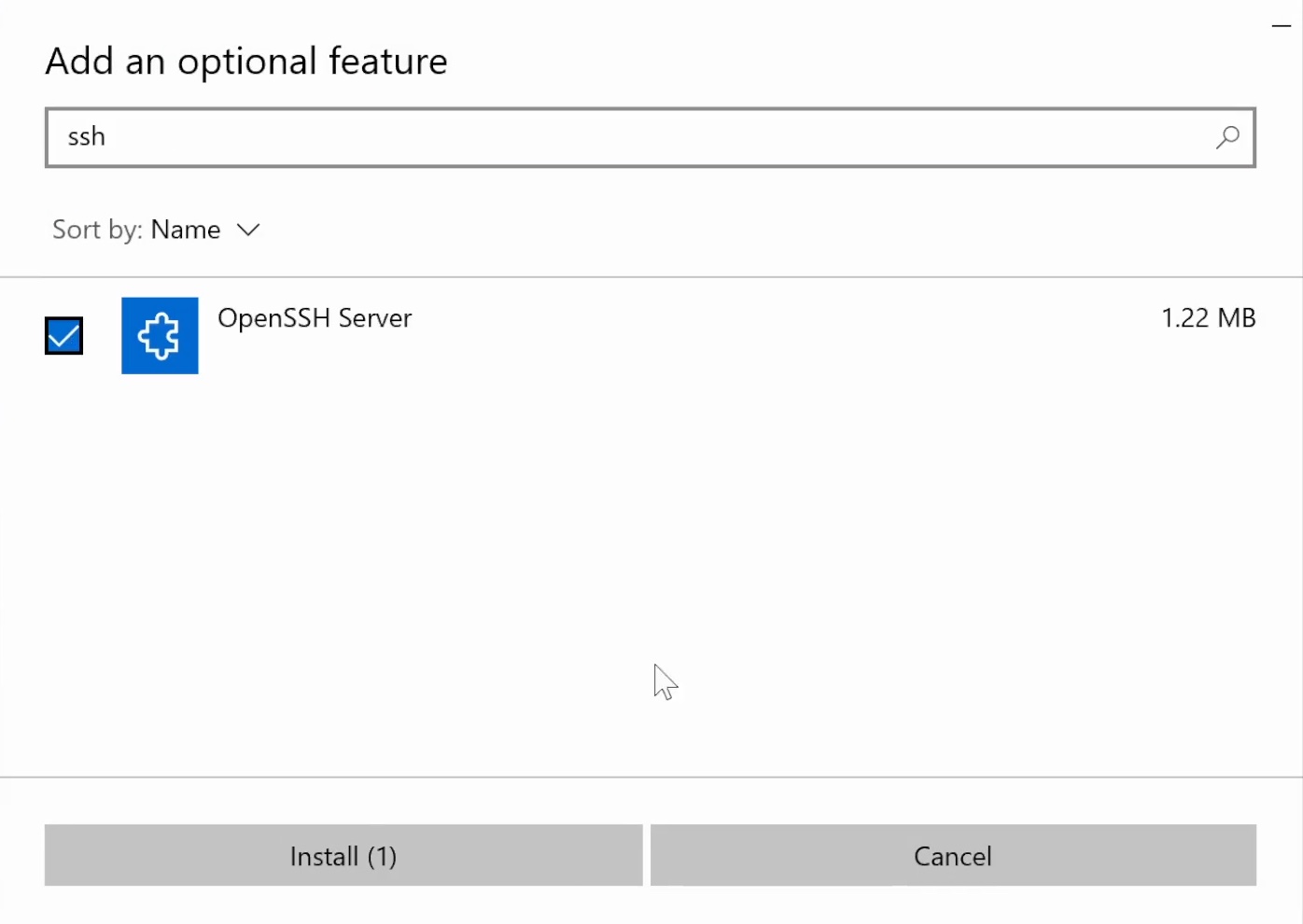
Connect to Windows
Share a Windows PC over SFTP with the OpenSSH Server that comes with Windows, or over FTP with IIS.
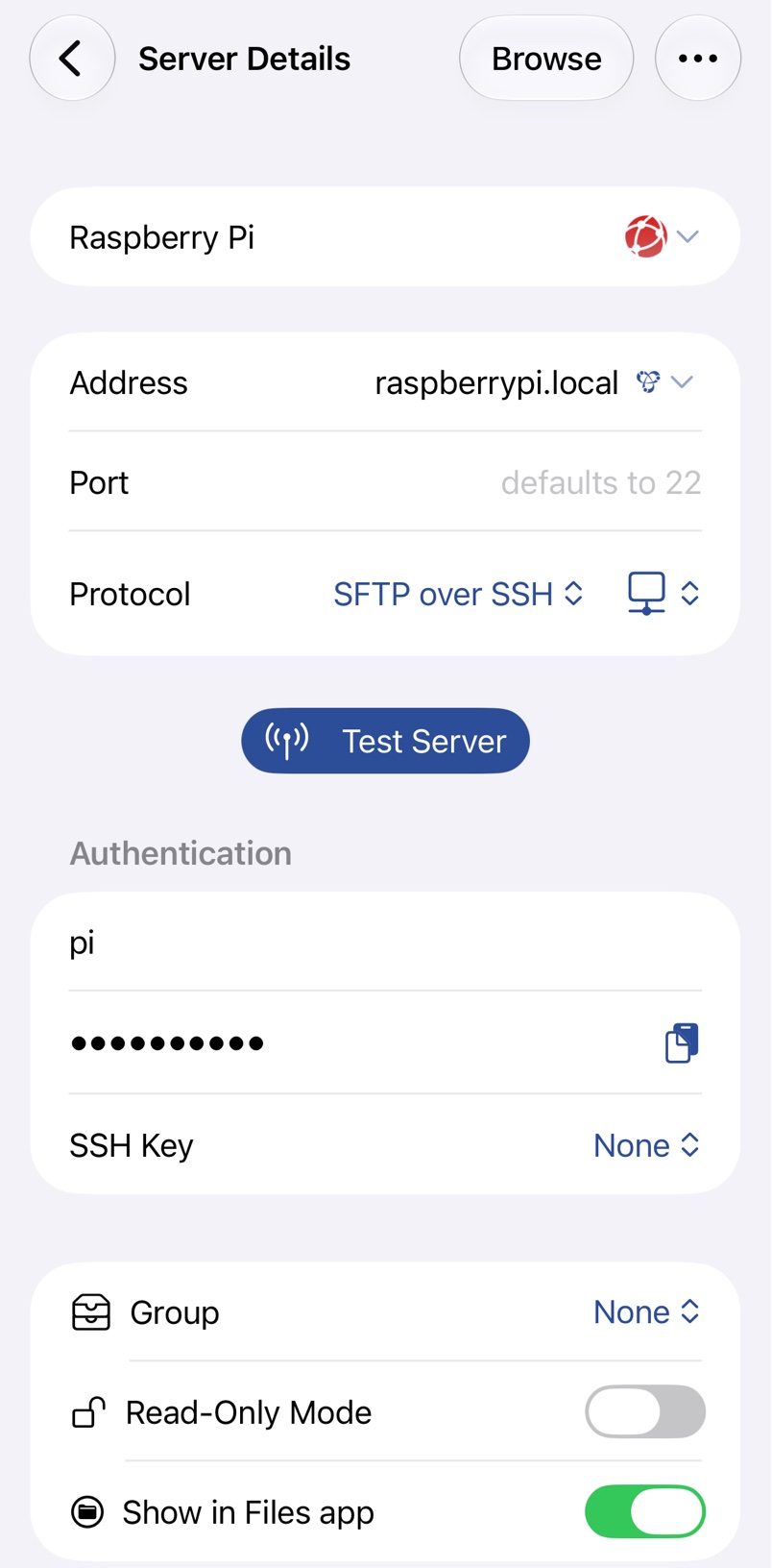
NAS, Linux and Raspberry Pi
Set up SFTP on a Synology or QNAP NAS, a Linux machine or a Raspberry Pi and connect to it.
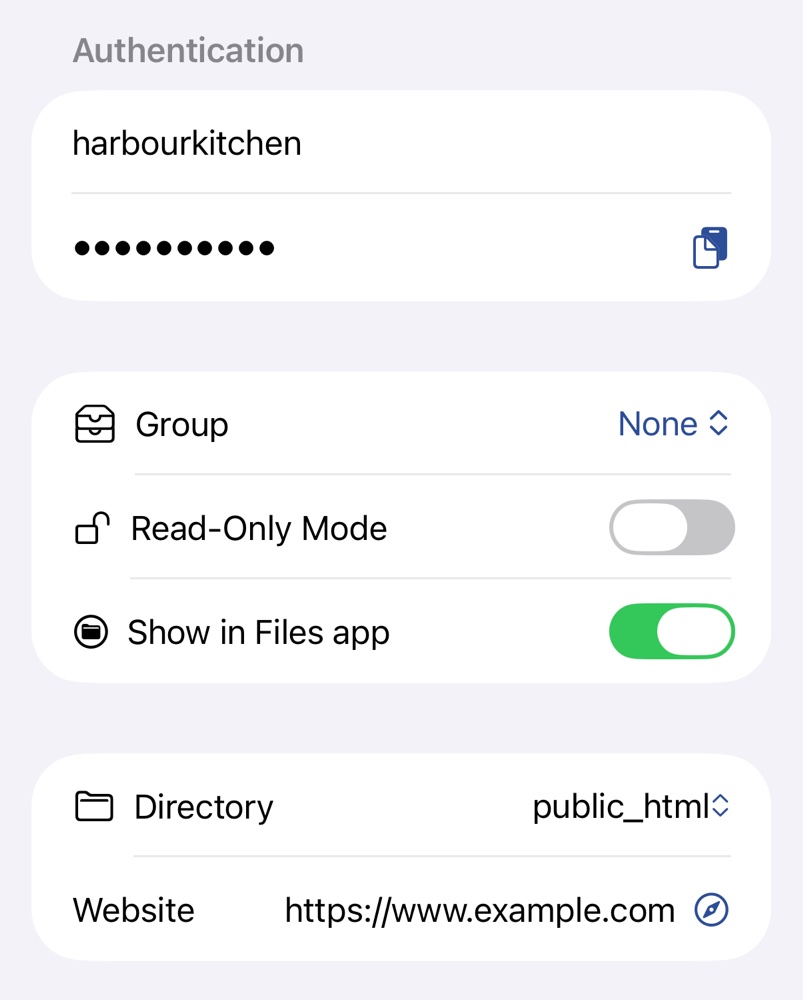
Web Hosting
Upload to your website from iPhone, iPad or Mac with your host's FTP account, and copy links to files.
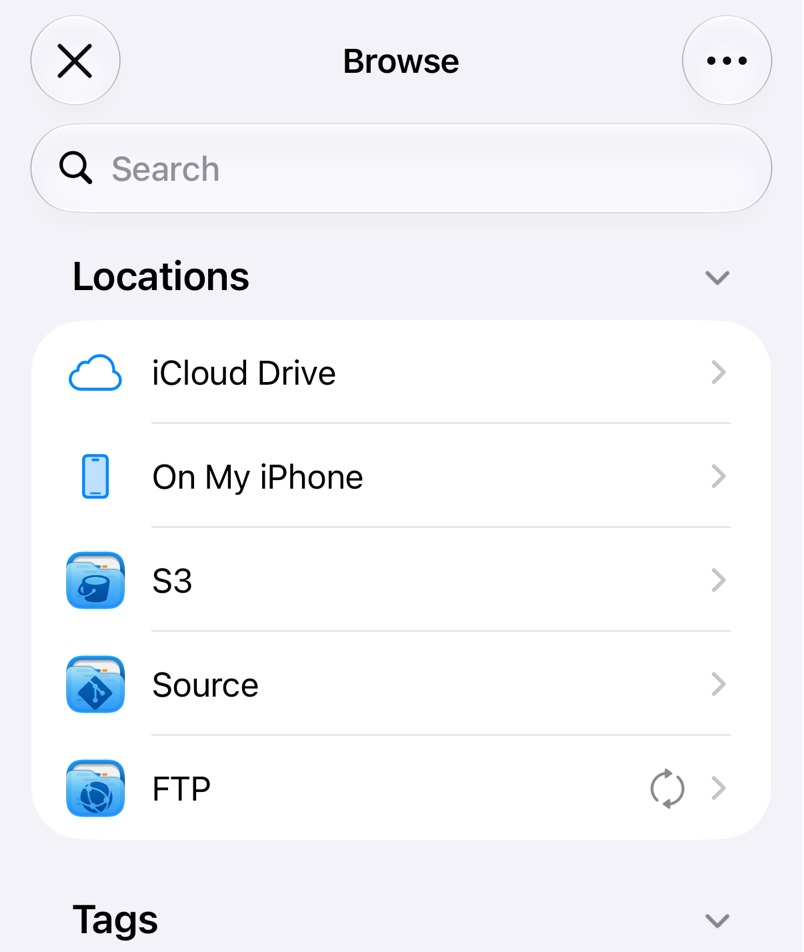
Files App and Finder
Open and edit files on your FTP, FTPS and SFTP servers in place from the Files app and Finder.
Security
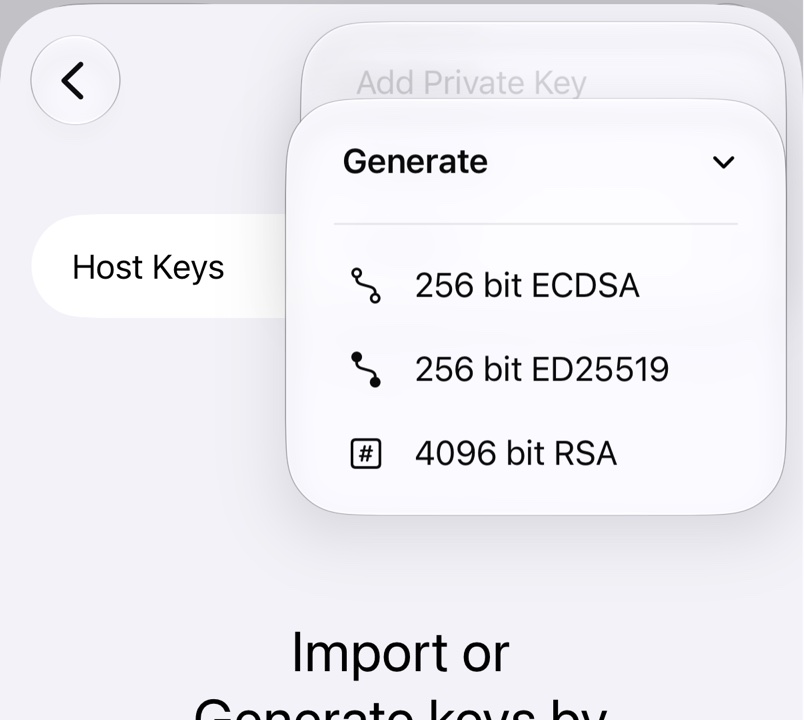
SSH Keys
Sign in to SFTP servers with an SSH key: generate or import one and add it to the server.
Host Keys
Check a new SFTP server's host key, decide what to do when it changes, and forget stored keys.
FTPS Certificates
Decide whether to trust an FTPS server's certificate when FTP Files asks, and forget it again.
Features
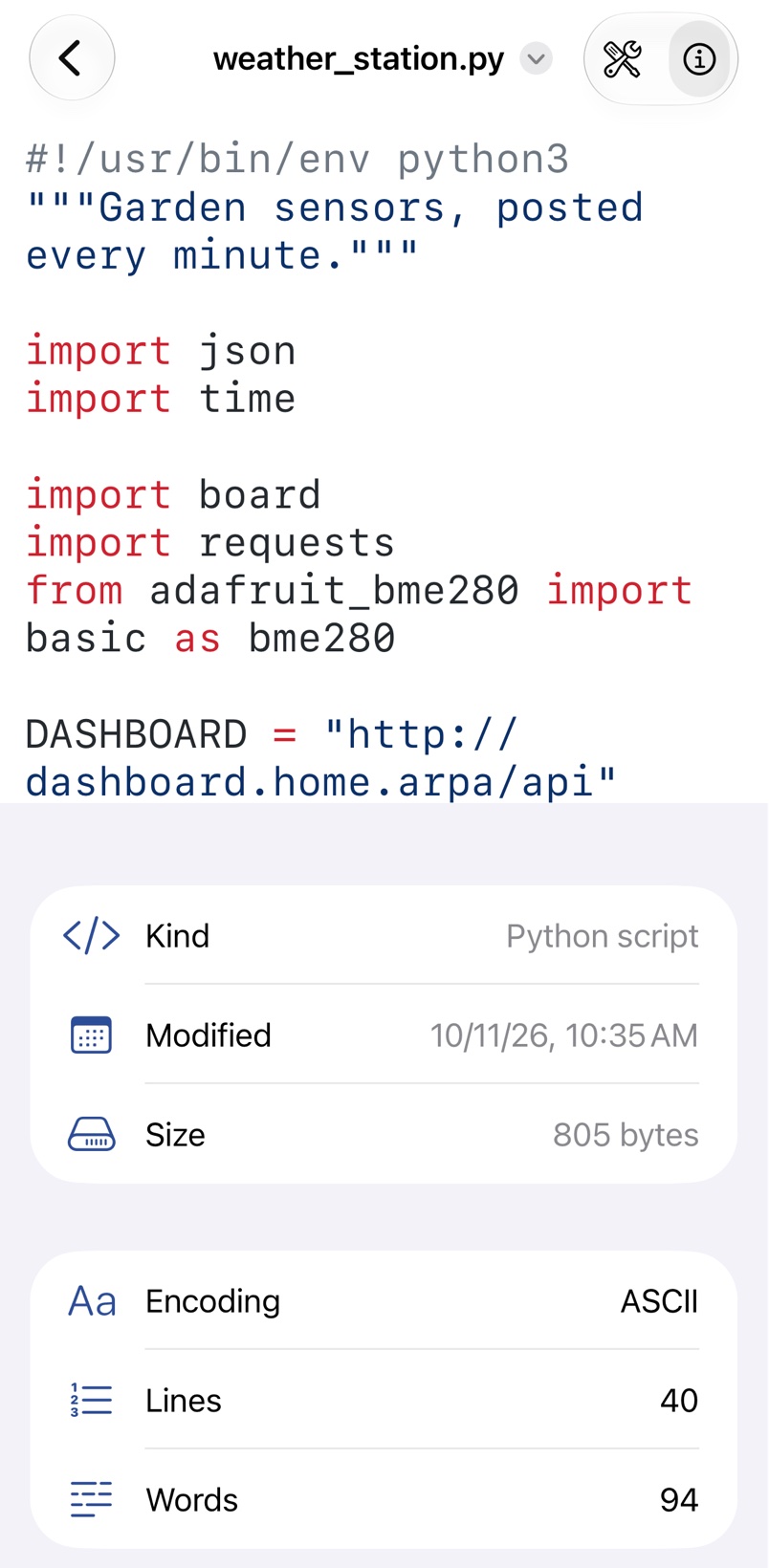
Browsing in the App
Browse your servers in FTP Files, search them and edit scripts and config files with syntax highlighting.
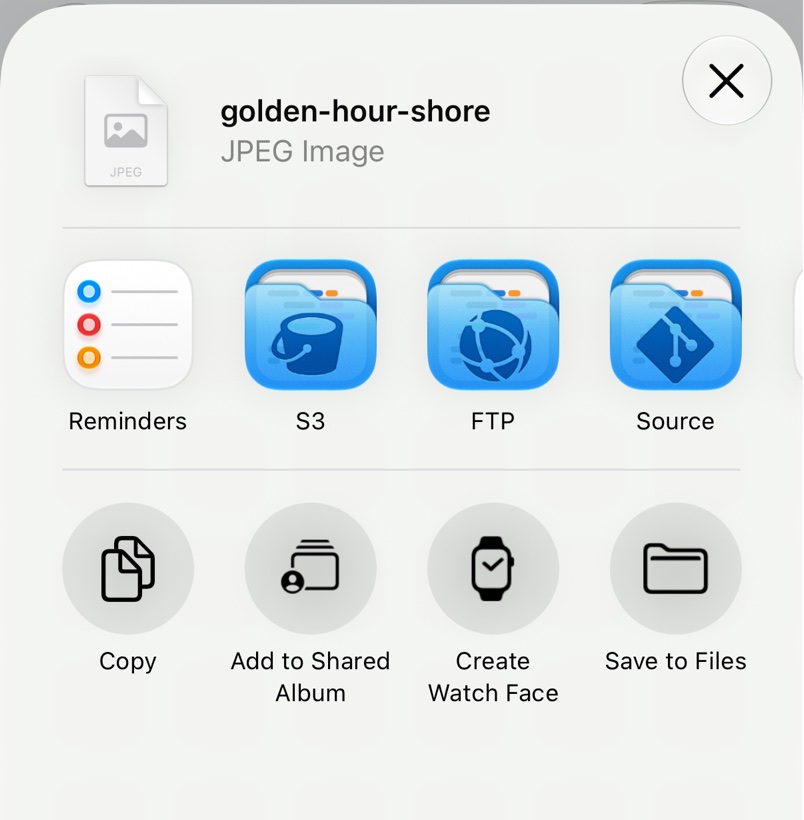
Quick Upload
Upload files and folders to your servers from any app's share sheet, or from Finder on a Mac.
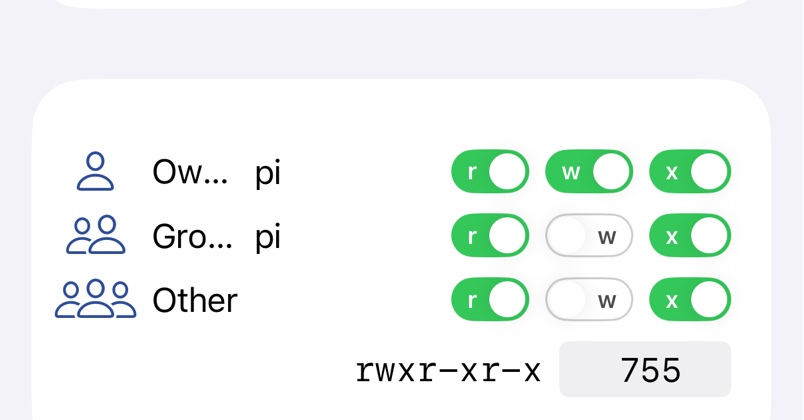
Permissions and Symlinks
Change the Unix permissions of files and folders on FTP and SFTP servers, and see how symlinks appear.
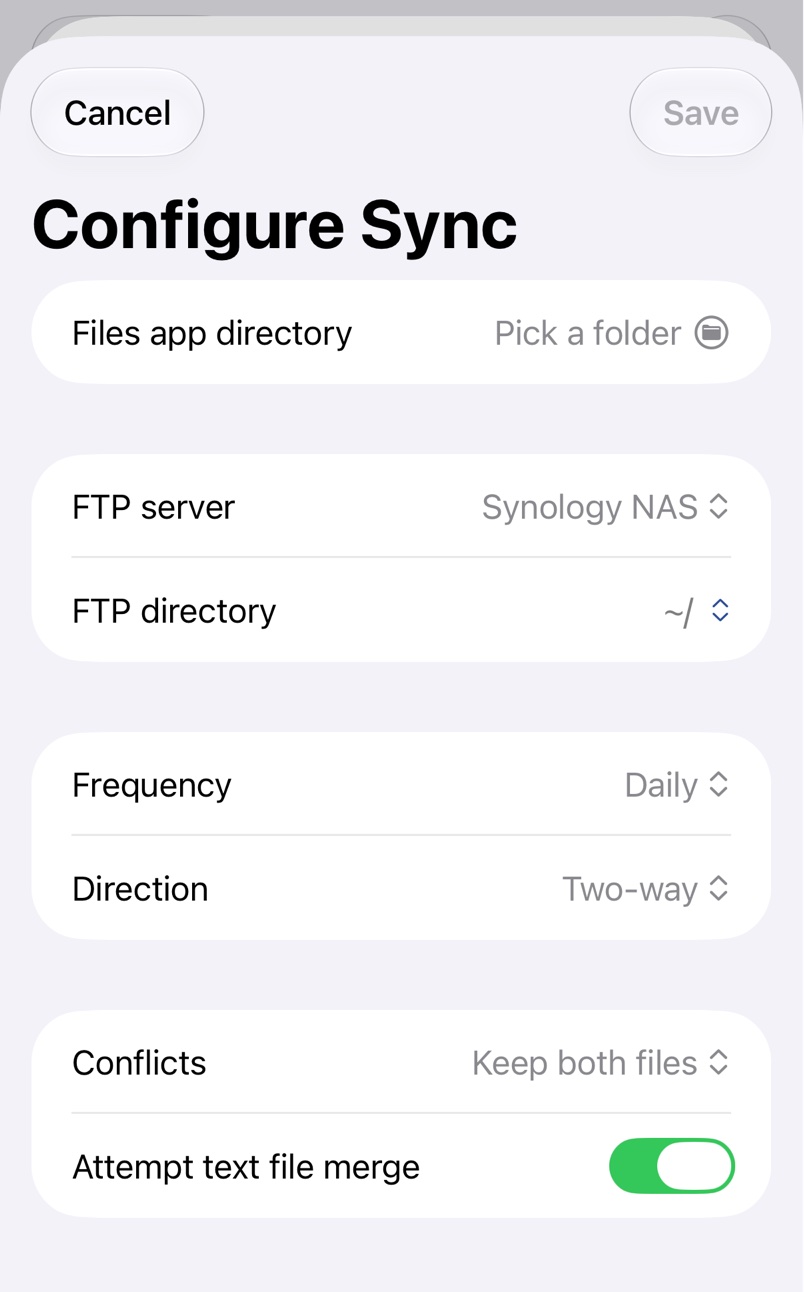
Folder Sync
Keep a folder on your device and one on a server in sync, by hand or on a schedule.
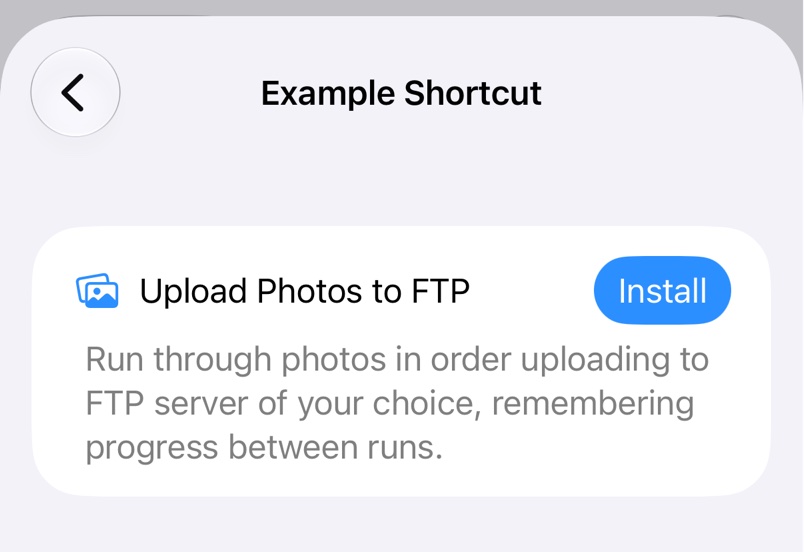
Shortcuts Automation
Automate FTP Files with Shortcuts: list, download, upload, move and delete files, create folders and run a folder sync.
Help
Connection Errors
Fix the errors you get when FTP Files can't find, reach or log in to your server.
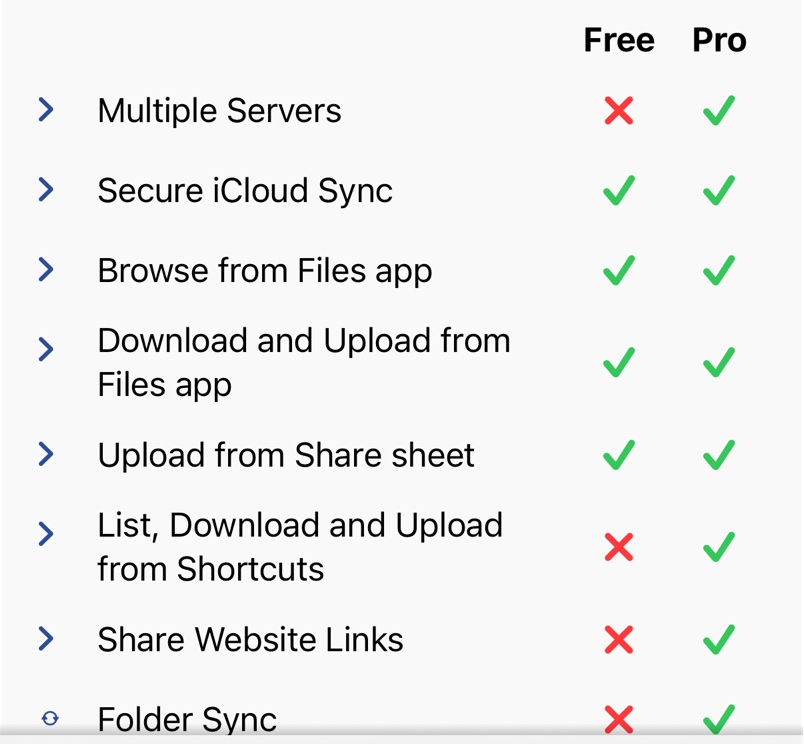
Free and Pro
What FTP Files does for free, what Pro adds, and how to try, subscribe to or buy it.
Further Help
Email the developer about FTP Files, with the details and logs that help solve a problem quickly.
Remove from Finder
Remove the FTP location that deleting FTP Files can leave in the Finder sidebar, without reinstalling.