 FTP Files
Shortcuts Automation
FTP Files adds actions for your servers to the Shortcuts app, so a shortcut can upload the photos it was given, or handle each file in a folder. Shortcuts support is a Pro feature.
Actions
- List on FTP returns the files in a Directory, with Recursive for subfolders and Website Link for links.
- Download from FTP fetches a file for the next actions.
- Upload to FTP sends a File to a Path; Already Exists decides what happens to a file that's there. Ensure Directory creates missing folders, and Website Link returns a web link.
- Create Directory makes a folder.
- Move Files and Delete Files ask first while Prompt to confirm is on, and skip non-empty folders unless told otherwise.
- Sync FTP Folder runs a synced folder now; see Folder Sync.
On iOS 26 and macOS 26, every action except listing needs the device to be unlocked.
Example shortcuts
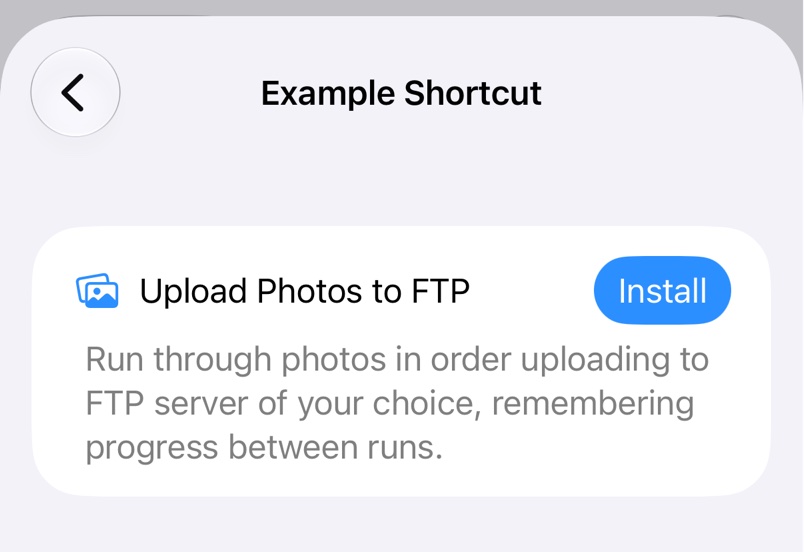
Settings in FTP Files, or the Help menu on a Mac, has examples such as Upload Photos to FTP, which remembers how far through your photos it got.
Troubleshooting
- FTP Files Pro must be unlocked in main app to use shortcuts. Unlock Pro or start a trial; see Free and Pro.